
Research · 5 min read
Work Backward From Selling Price to Your Maximum Supplier Cost
A product can look profitable until every cost is included. The supplier price may seem reasonable, but payment fees, shipping, customer acquisition, and refunds can consume the margin before the order reaches the customer.
Instead of finding a product first and asking whether the numbers work, start with the selling price and calculate the highest supplier cost you can accept. That ceiling gives you a practical filter for product research and supplier comparison.
The maximum supplier cost formula
Use the price the customer is expected to pay after normal discounts, not an inflated list price that few customers will pay.
The basic formula is:
Maximum supplier cost = Selling price - Payment fees - Shipping - Ad CPA - Refund reserve - Target profit
Here:
- Selling price is the expected collected product revenue, excluding sales tax.
- Payment fees include percentage-based and fixed transaction charges.
- Shipping is what the supplier or carrier charges you per order.
- Ad CPA is the expected advertising cost to acquire one completed order.
- Refund reserve is an allowance for expected losses from refunds, returns, disputes, or reshipments.
- Target profit is the amount you want left after those costs.
This calculation produces a ceiling, not a target. If the result is $16, a supplier price of $16 leaves no room for cost changes, currency movements, or more expensive shipping destinations. In practice, you may want listings comfortably below the ceiling.
Work payment fees out separately
Payment processing often has a percentage component and a fixed component. If your processing rate is 2.9% plus $0.30, the calculation is:
Payment fee = (Selling price × 2.9%) + $0.30
On a $49 sale:
($49 × 0.029) + $0.30 = $1.72
Use the rates that actually apply to your store. Depending on your payment setup and Shopify plan, you may also need to include additional transaction charges, currency conversion costs, or fees associated with alternative payment methods.
If customers usually pay for shipping separately, include that shipping revenue in the model—but also account for any payment fee charged on it. Do not treat customer-paid shipping as automatically cost-neutral.
Set a refund reserve without pretending it is exact
A refund reserve converts uncertain post-purchase costs into an expected per-order allowance.
For a simple model, calculate it as a percentage of selling price:
Refund reserve = Selling price × Reserve rate
For example, a 4% reserve on a $49 sale is:
$49 × 0.04 = $1.96
The reserve rate does not have to equal your refund rate. A refunded order may involve recoverable product costs, non-refundable payment fees, return shipping, partial refunds, or replacement shipments. The better method is to estimate the average net loss caused by these events and spread it across all orders.
If you do not have store data yet, use a conservative planning assumption and label it clearly. Replace it with actual data once you have enough orders to calculate a useful average.
Worked example: a $49 selling price
Suppose you are evaluating products that can realistically sell for $49. Your assumptions are:
| Input | Amount | |---|---:| | Expected selling price | $49.00 | | Payment processing | 2.9% + $0.30 | | Supplier shipping | $5.50 | | Ad CPA | $14.00 | | Refund reserve | 4% of revenue | | Target profit | 20% of revenue |
Calculate each percentage-based cost:
- Payment fee:
($49 × 2.9%) + $0.30 = $1.72 - Refund reserve:
$49 × 4% = $1.96 - Target profit:
$49 × 20% = $9.80
Now calculate the maximum supplier cost:
$49 - $1.72 - $5.50 - $14.00 - $1.96 - $9.80 = $16.02
The product can support a supplier item cost of no more than $16.02 under these assumptions.
A listing priced at $15.40 would leave expected profit of:
$49 - $1.72 - $5.50 - $14.00 - $1.96 - $15.40 = $10.42
A listing priced at $17.10 would leave $8.72. It would still be profitable in this model, but it would miss the $9.80 target.
For comparison, the break-even supplier cost would be $25.82 if target profit were removed. That number is useful for understanding downside, but it is not an appropriate sourcing ceiling if you want a 20% profit margin.
Maximum supplier cost worksheet
Copy this worksheet for each planned selling price or acquisition channel:
| Worksheet item | Your input or formula | |---|---:| | Expected selling price after discounts | $_____ | | Percentage payment fee | _____% | | Fixed payment fee | $_____ | | Total payment fee | (price × percentage fee) + fixed fee | | Supplier shipping per order | $_____ | | Expected ad CPA | $_____ | | Refund reserve rate | _____% | | Refund reserve amount | price × reserve rate | | Target profit rate | _____% | | Target profit amount | price × target profit rate | | Maximum supplier cost | price - fees - shipping - CPA - reserve - target profit |
Create separate versions when economics differ materially. A product may support one cost ceiling for paid social traffic and another for organic search, email, or repeat customers. Avoid averaging those channels unless a blended model reflects how you will actually sell the product.
You can also verify the inputs and calculation with the Drop-IQ profit calculator. Check the result whenever your selling price, fee schedule, CPA, or shipping method changes.
Turn the ceiling into a sourcing rule
Once you know the ceiling, use it as a hard filter rather than repeatedly doing margin math on unsuitable listings.
Supplier cost should not be the only constraint. A cheap listing may have slow shipping, weak stock availability, or an unattractive ROI after advertising. One possible ranking rule is:
if(supplier_cost <= 16.02 and shipping_days <= 10 and stock >= 20, score, 0)
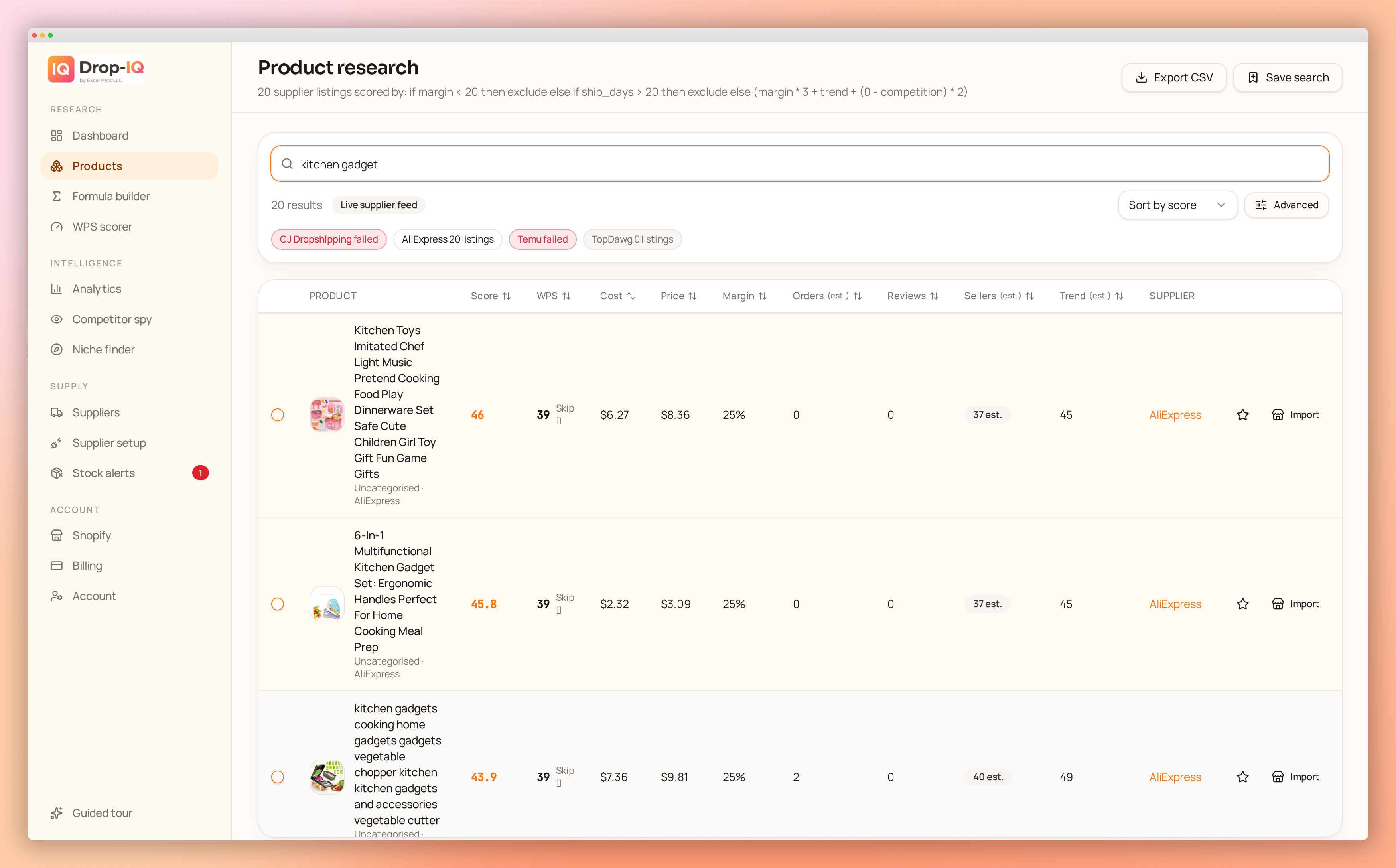
In Drop-IQ, you can create a free account and write your own scoring formula using factors such as margin, ROI, trend, shipping time, and stock. The cost ceiling can act as an if/then rule, while the remaining eligible listings are ranked according to the trade-offs that matter to your store.
Remember that two listings for the same apparent product may have different variants, shipping charges, warehouse locations, or delivery estimates. Confirm that the listing cost applies to the exact variant and destination used in your calculation.
Next step
Choose one realistic selling price, complete the worksheet with your current fees and CPA, and verify the resulting ceiling in the profit calculator. Treat it as a working assumption until actual order data gives you better inputs.